
QuickSet and Library Apps work together inside SteelSeries GG (Engine) to automatically switch your gear settings when you launch or close a game.
Library Apps
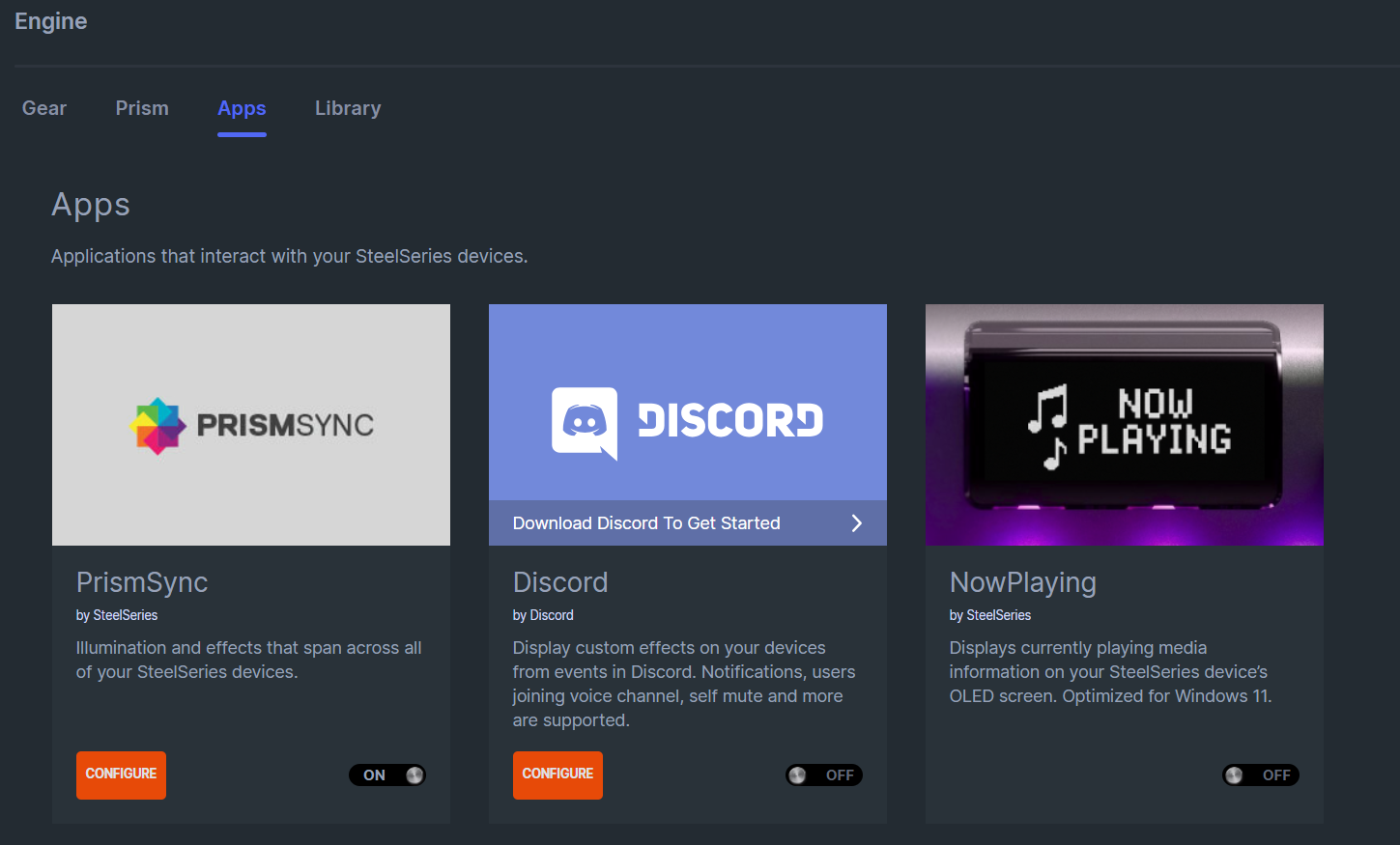
Library Apps is where compatible games and apps live. It’s your control hub for managing certain game profiles. Each profile stores your favorite setup! Keybinds, macros, lighting, DPI, and audio tweaks. You can add games manually or let GG detect them for you.
QuickSet
QuickSet does the heavy lifting. Once you’ve assigned a profile to a game in the Library, QuickSet watches for that game’s .exe to launch. When it does, your keyboard, mouse, and headset instantly switch to the right profile. When you close the game, it goes back to your default setup automatically.
If your device supports QuickSet, everything happens hands-free. If it doesn’t, you can still switch manually inside Engine or use your device’s built-in profile buttons to cycle through your saved setups.
Pro tips for smoother switching:
Pro tips for smoother switching:
- Make sure the game’s .exe file path matches the one in Library.
- Keep both GG and your device firmware updated.
- Name your profiles clearly so you can find them fast.
- Set a default profile for when no game is running.
GLHF!